
Profile — Signature
The Profile ▸ Persona ▸ Signature page renders your personal email signature from the template HR assigned to you (or your division, or the org default) merged with your Profile ▸ General contact details. The page is read-only — edits flow through HR via templates rather than per-user overrides.
Anatomy of the page
Section titled “Anatomy of the page”1. Page header
Section titled “1. Page header”Standard PageHeader with the title Email Signature and a one-line description.
2. Assignment badge
Section titled “2. Assignment badge”A small pill above the preview that shows how the template was selected for you:
| Source | Meaning |
|---|---|
| Assigned by HR | An admin explicitly attached a template to your user record |
| Division default | Picked from your division’s default template |
| Org default | The org-wide default template, used when no other applies |
The badge also shows the template name in use, so you can reference it when talking to HR.
3. Copy buttons
Section titled “3. Copy buttons”Two buttons sit to the right of the assignment badge:
- Copy HTML — primary action; rich HTML payload + plain-text fallback in the clipboard. Click animates a checkmark on success and a toast confirms.
- Copy plain text — a stripped, line-break-aware plain text version for clients that reject HTML (notably iOS Mail).
The HTML payload is sanitized via DOMPurify on render and again on copy as defense-in-depth. Server-side HTML escaping is the primary safety net.
4. Live preview
Section titled “4. Live preview”A boxed prose-styled preview of the sanitized HTML signature. Updates whenever HR edits the template or your profile contact details change.
5. Paste instructions
Section titled “5. Paste instructions”A tabbed panel below the preview with numbered step-by-step paste instructions for five email clients:
- Gmail
- Outlook Web
- Outlook Desktop
- Apple Mail
- iOS Mail
Each tab includes a tip when relevant (e.g., Gmail strips external fonts; iOS Mail doesn’t accept HTML).
Empty state
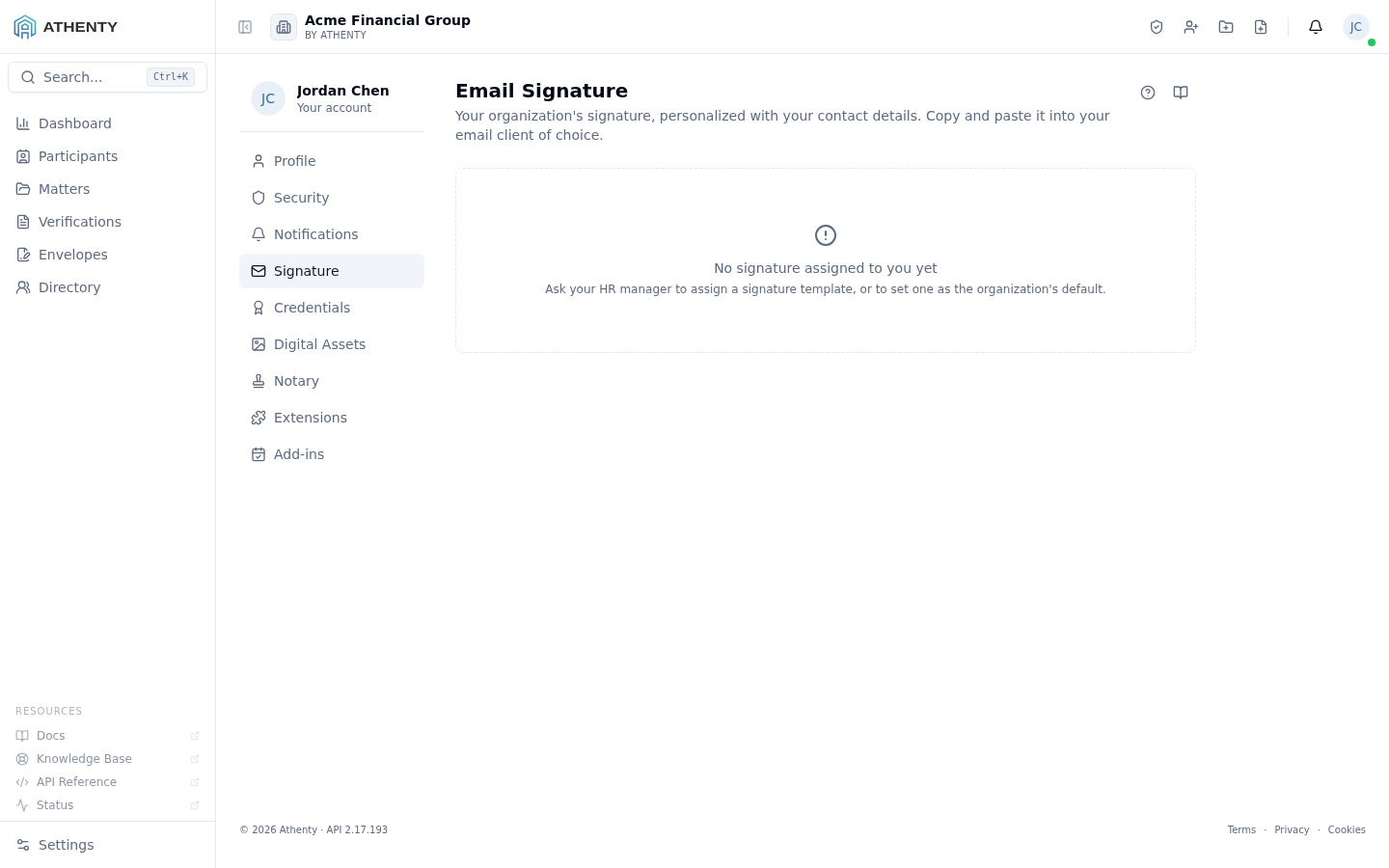
Section titled “Empty state”If neither the user nor their division nor the org has a template assigned, the page shows a centered empty state asking the user to contact HR. The copy buttons are hidden until a template is in place.
How signatures are generated
Section titled “How signatures are generated”The render pipeline is:
template HTML (from Settings ▸ Signatures) ──▶ resolve placeholders against the user's profile ──▶ HTML-escape every substituted value (#108.1) ──▶ store the rendered HTML on the user record ──▶ return on /signatures/meSubstituted fields:
| Placeholder | Source |
|---|---|
{{full_name}} | users.name_first + name_last |
{{title}} | employee_profiles.title |
{{email}} | users.email |
{{phone}} | employee_profiles.phone |
{{headshot_url}} | employee_profiles.headshot_url |
{{org_name}} | org.name |
{{org_address}} | org.address |
When any of these fields change, the rendered signature is recomputed on the next request.
Permissions and scope
Section titled “Permissions and scope”| Role | View own | Copy | Edit templates |
|---|---|---|---|
| Owner / Admin | ✓ | ✓ | ✓ (via Settings ▸ Signatures) |
| Member | ✓ | ✓ | ✗ |
| Viewer | ✓ | ✓ | ✗ |
Templates are admin-managed; this page is the read-only render.
Audit trail
Section titled “Audit trail”Every copy emits signature.copied (with format: html | text). Every
template assignment emits signature.assigned from the admin side.
Events surface in Settings ▸ Audit Log for admins.
Troubleshooting
Section titled “Troubleshooting”| Symptom | Most likely cause | Fix |
|---|---|---|
| ”No signature assigned” | No template + no division + no org default | Ask HR to assign or set a default in Settings ▸ Signatures |
| Copy HTML fails silently | Browser blocked clipboard write | Allow clipboard permission, or use plain text |
| Signature looks plain in Gmail | Gmail strips external font stacks | Test draft; ask HR to use web-safe fonts |
| iOS pastes plain text | iOS Mail does not accept HTML in Settings | Use plain text on iOS or copy from a sent desktop email |
| Old details showing | Cached signature in email client | Re-paste from this page after every template/profile change |
| Avatar shows initials | No headshot uploaded | Upload one in Profile ▸ General ▸ Headshot |
Related pages
Section titled “Related pages”- Profile ▸ General — name, title, phone, email, headshot powering the merge
- Settings ▸ Signatures — where templates are authored and assigned
- Settings ▸ Audit Log — copy + assignment events