
Settings — Locations
The Settings ▸ Locations page is the canonical list of every physical workplace your organization operates: offices, branches, remote-hub addresses. Each location is configured once here and referenced from many surfaces:
- The HQ picker on Settings ▸ Organization
- Default-work-location pickers on team-member profiles
- Hardware-inventory assignment records
- The Directory ▸ Map view’s marker positions
- The address footer on audit-stamped PDFs
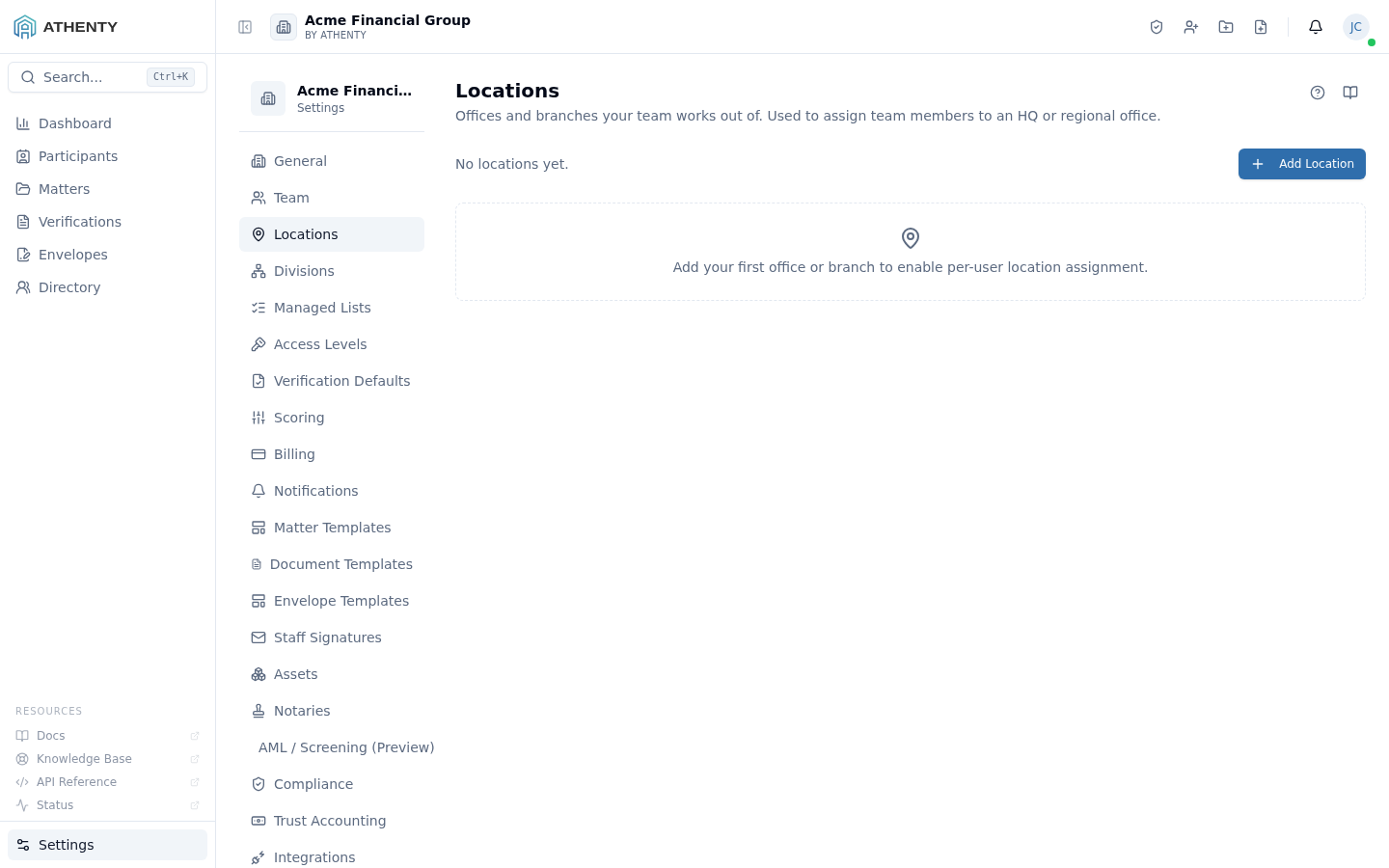
Anatomy of the page
Section titled “Anatomy of the page”1. Page header
Section titled “1. Page header”Standard PageHeader with the title Locations and a one-line description. (The page already used PageHeader before #211; this iteration just wires the help/docs icons.)
2. Count + Add Location row
Section titled “2. Count + Add Location row”Below the header: a count of locations and the current HQ name on the left, the Add Location button on the right.
3. Locations list
Section titled “3. Locations list”Each row carries:
- Name + HQ badge (when applicable)
- Address (single-line, geocoded)
- Phone
- Timezone
- Status pill (Active / Archived)
- Row actions: Edit, Set as HQ, Archive, Delete
4. Slide-out editor
Section titled “4. Slide-out editor”Right-hand slide-out for create/edit captures:
- Name (required)
- Address fields (line 1/2, city, state, postal, country)
- Phone
- Timezone (IANA dropdown; defaults to org timezone)
- Set as HQ checkbox
HQ semantics
Section titled “HQ semantics”Exactly one location holds the HQ flag at any time. Setting a new location as HQ:
- Server transactionally un-HQs the previous one
- Emits
org.hq_location_updatedto the audit log - Refreshes the picker on Settings ▸ Organization on next load
The HQ flows into:
- Audit PDF address footer
- Client portal “About us” block (when the portal is enabled)
- Directory Map default centering
Archive vs. delete
Section titled “Archive vs. delete”| Action | Effect |
|---|---|
| Archive | Soft-delete; hidden from new-assignment pickers but visible on existing records |
| Delete | Hard-delete; permitted only when the location has zero assignments |
The platform is conservative about hard-deletes here — locations appear in audit records (e.g., “Hardware X was assigned to Location Y from 2024-2026”), and deleting Y would orphan that history. Archive is the safe default.
Geocoding
Section titled “Geocoding”Address geocoding runs server-side on save:
- Inputs: address line 1/2 + city + state + postal + country
- Provider: external geocoder (configurable per environment)
- Stored:
lat,lngcolumns on the location record - Used by: Directory Map markers + audit PDF map renders
Geocoding failures don’t block save — the location is created with null lat/lng and a “geocoding failed” flag the UI displays inline. Edit + re-save with a more specific address to retry.
Permissions and scope
Section titled “Permissions and scope”| Role | View | Manage |
|---|---|---|
| Owner / Admin | ✓ | ✓ |
| Member | Indirect (sees own assigned location) | ✗ |
| Viewer | Indirect | ✗ |
Audit logging
Section titled “Audit logging”| Action | Event |
|---|---|
| Create | location.created |
| Update | location.updated |
| Set HQ | org.hq_location_updated (with old + new IDs) |
| Archive | location.archived |
| Delete | location.deleted |
Events surface in Settings ▸ Audit Log.
Troubleshooting
Section titled “Troubleshooting”| Symptom | Most likely cause | Fix |
|---|---|---|
| Cannot delete | Location has assignments | Archive instead, or reassign staff first |
| HQ won’t switch | Save failed silently | Re-save; check toast |
| Map marker misplaced | Geocoding result imprecise | Edit + re-save with a more specific address |
| Timezone doesn’t take effect | User session cached | Sign out + back in |
| Archived location still in picker | UI cache stale | Hard-refresh |
Related pages
Section titled “Related pages”- Settings ▸ Organization — HQ Location picker reads from here
- Settings ▸ Team — per-user default-work-location picker
- Directory ▸ Map — marker positions come from here
- Settings ▸ Audit Log —
location.*events